Lunch & Learn

30 September 2026

Creating your own personal assistant with Claude

A Claude that knows you, sounds like you, and has your day sorted before you open your laptop.

Forty five minutes. Follow along on your own screen. No coding, no technical setup, no prior experience needed.

Watch first

What to expect

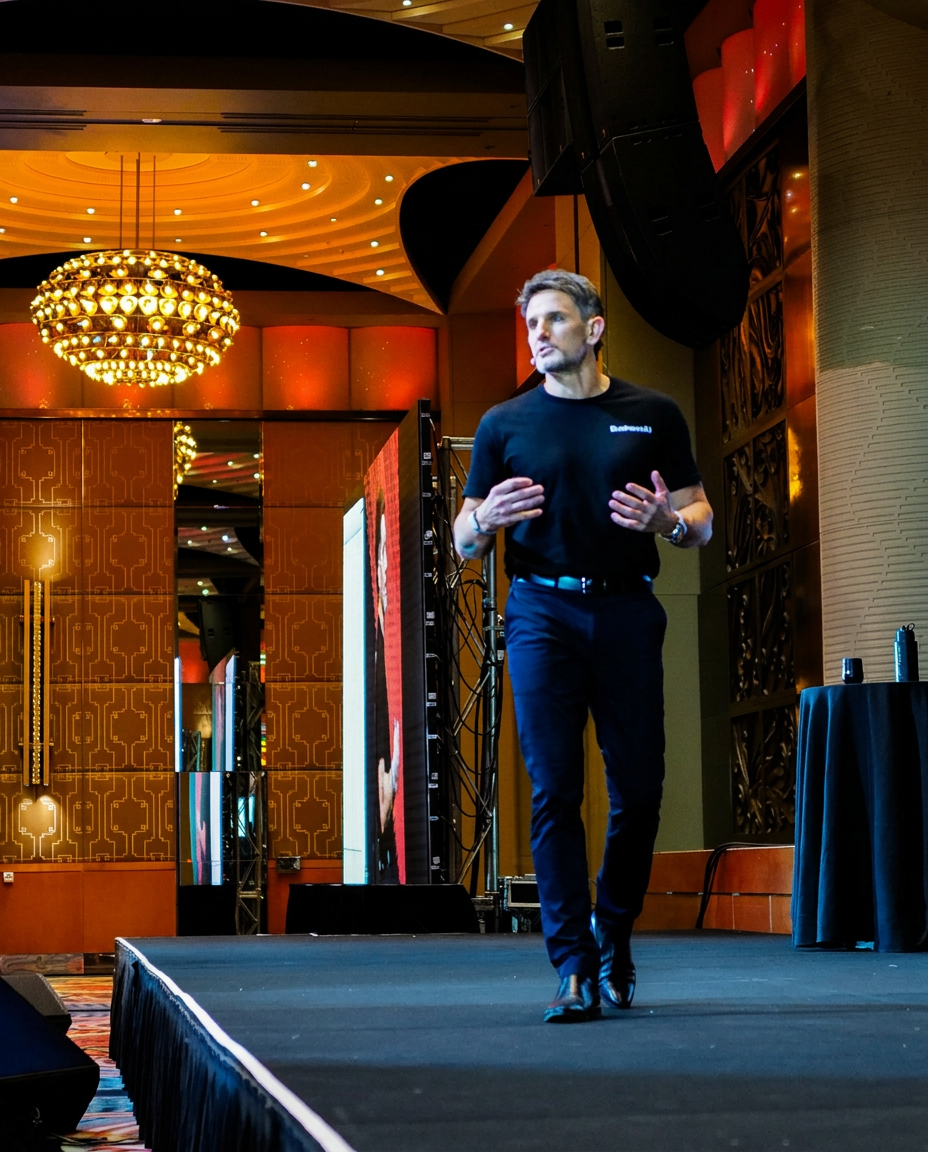
Brandon walks through what we'll build and how to use this page.

Watch the recording

The session recording

Watch the full build from start to finish.

Presented by

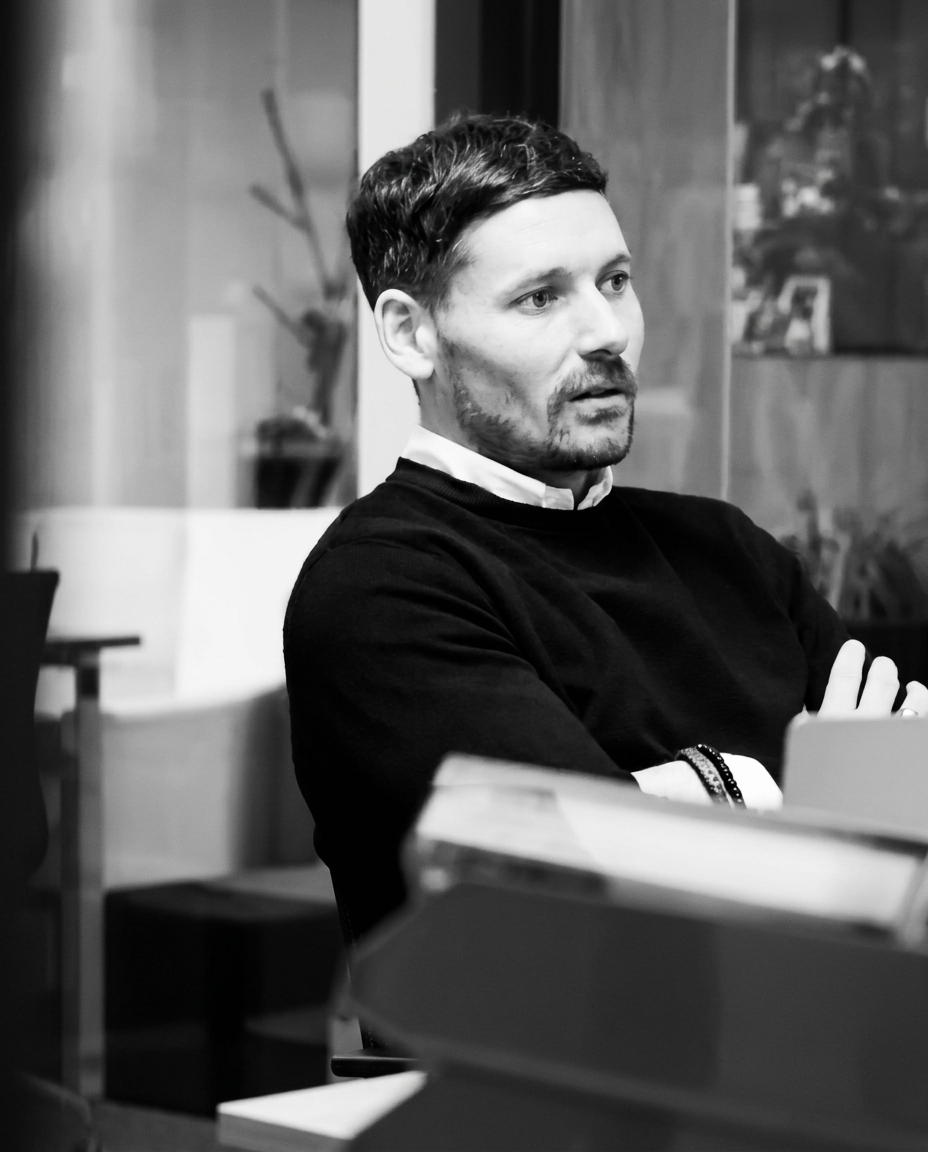
Brandon Burns, Head of Experience at BusinessAI

Brandon Burns

Head of Experience, BusinessAI

Set up a Claude project that knows who you are and how you work

Teach it your voice so drafts sound like you wrote them

Hand it your daily report, your inbox and your diary

Live

Questions from the room

Asked 0 · Answered 0 · Waiting 0
Personal assistant

What you'll walk away with

Three things, all working by the end of the session, all built by you on your own screen.

01

A Claude that knows you

How to set up a Claude project that actually knows you, your role, your business and how you like things done, so you stop re-explaining context every time you open a chat.

02

A Claude that sounds like you

How to teach it your voice and your standing instructions once, so drafts, emails and notes come back sounding like you, not like a generic AI.

03

A Claude that does real work

How to hand it real, everyday tasks, chasing follow ups, prepping meeting notes, drafting replies, and get something you can actually use straight back, not just a chat answer.

What You Need Before You Start

  • A Claude account you can log into
  • Your work email login (Gmail or Outlook)
  • Five emails you've written that sound like you, ready to copy and paste
  • Your team list and your service or price list, however rough
  • The names of your ten biggest clients

That's it. If you've got those open in a tab, you'll finish with a working assistant.

1

Project

6

Core steps, plus 6 bonus

45

Minutes

0

Coding
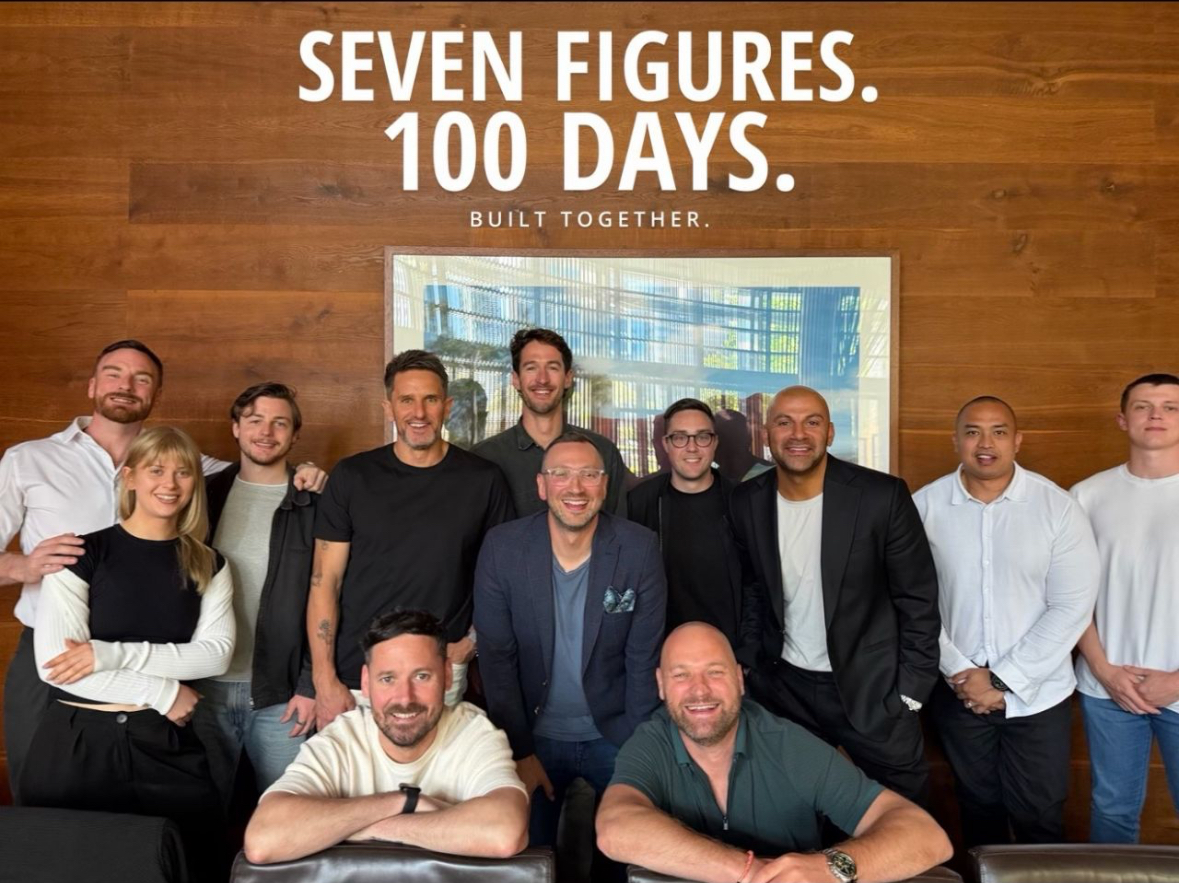
Meet the team

The people on the call

The BusinessAI team together in the office

Ready for the next step?

Book a strategy call with the BusinessAI team

Book a strategy call
Session library

Previous webinars and learning pages

Every Lunch & Learn leaves behind a page you can revisit, with the prompts, steps and examples from the session.

How to build your sales system with AI session thumbnail Watch replay
Lunch & Learn

How to build your sales system with AI

Previous session

Getting accountant ready with AI session thumbnail Watch replay
Lunch & Learn

Getting accountant ready with AI

Previous session

Getting found by AI, not just Google session thumbnail Watch replay
Lunch & Learn

Getting found by AI, not just Google

Previous session

How to outsmart your competitors with AI session thumbnail Watch replay
Latest session

How to outsmart your competitors with AI

Tracking competitors with AI, with Guy Franklin and Brandon Burns. 4 November 2026.

Previous session

Leading people in the AI age session thumbnail Watch replay
Lunch & Learn

Leading people in the AI age

Previous session

Your virtual CFO, built with AI session thumbnail Watch replay
Lunch & Learn

Your virtual CFO, built with AI

Previous session

Automating staff onboarding with AI session thumbnail Watch replay
Lunch & Learn

Automating staff onboarding with AI

Previous session

Grokbot explained, and how it helps you use AI in business session thumbnail Watch replay
Lunch & Learn

Grokbot explained, and how it helps you use AI in business

Watch a bot find referral partners, draft intro emails and set up a monthly workflow. 28 October 2026.

Previous session

Creating content and personal brand with AI session thumbnail Watch replay
Lunch & Learn

Creating content and personal brand with AI

Turning what you already know into content that sounds like you.

Previous session

Creating powerful visuals and presentations with AI session thumbnail Watch replay
Lunch & Learn

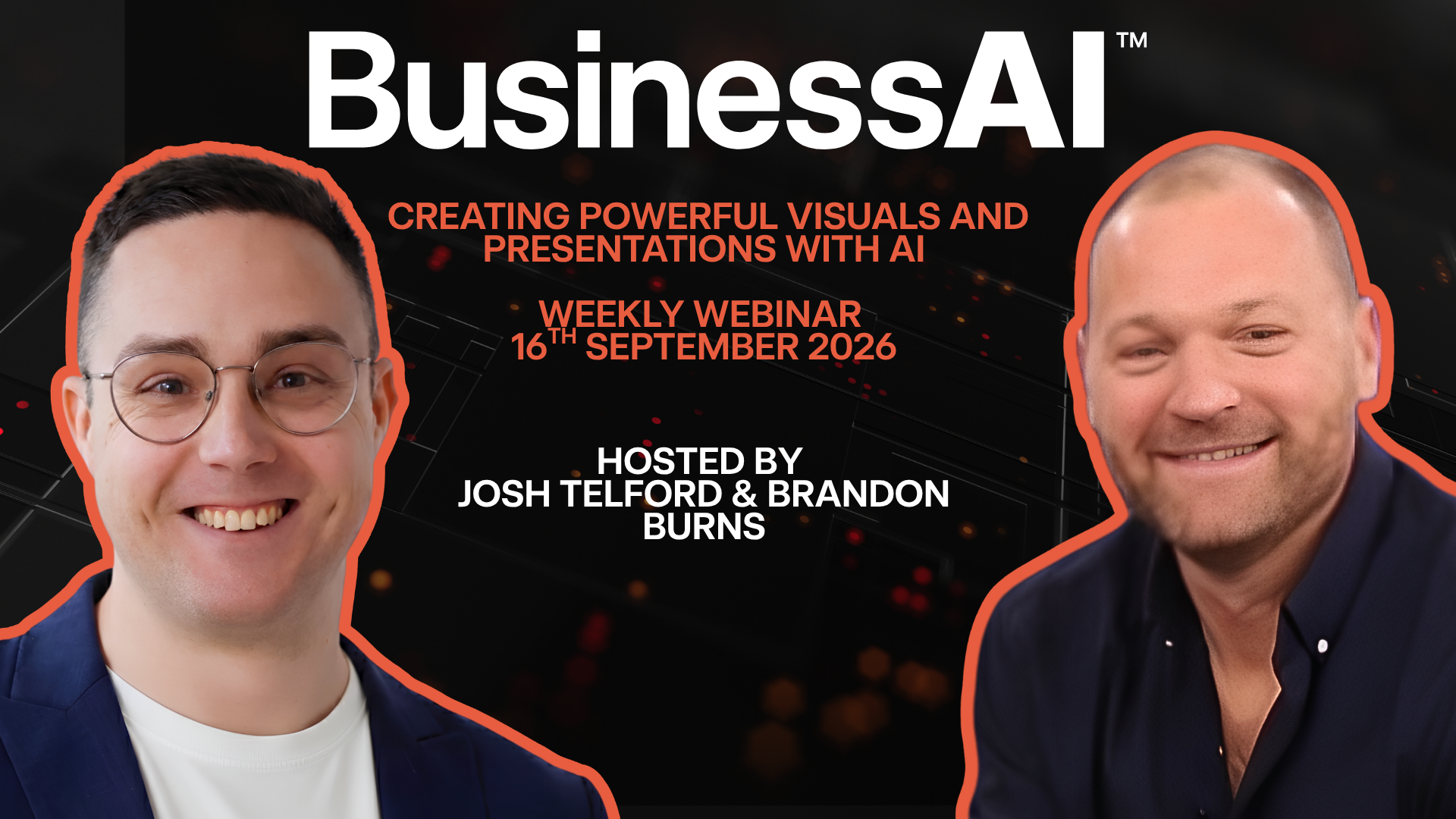
Creating powerful visuals and presentations with AI

Decks, visuals and one pagers built with Claude in minutes.

Previous session

Lead nurture that actually follows up session thumbnail Watch replay
Lunch & Learn

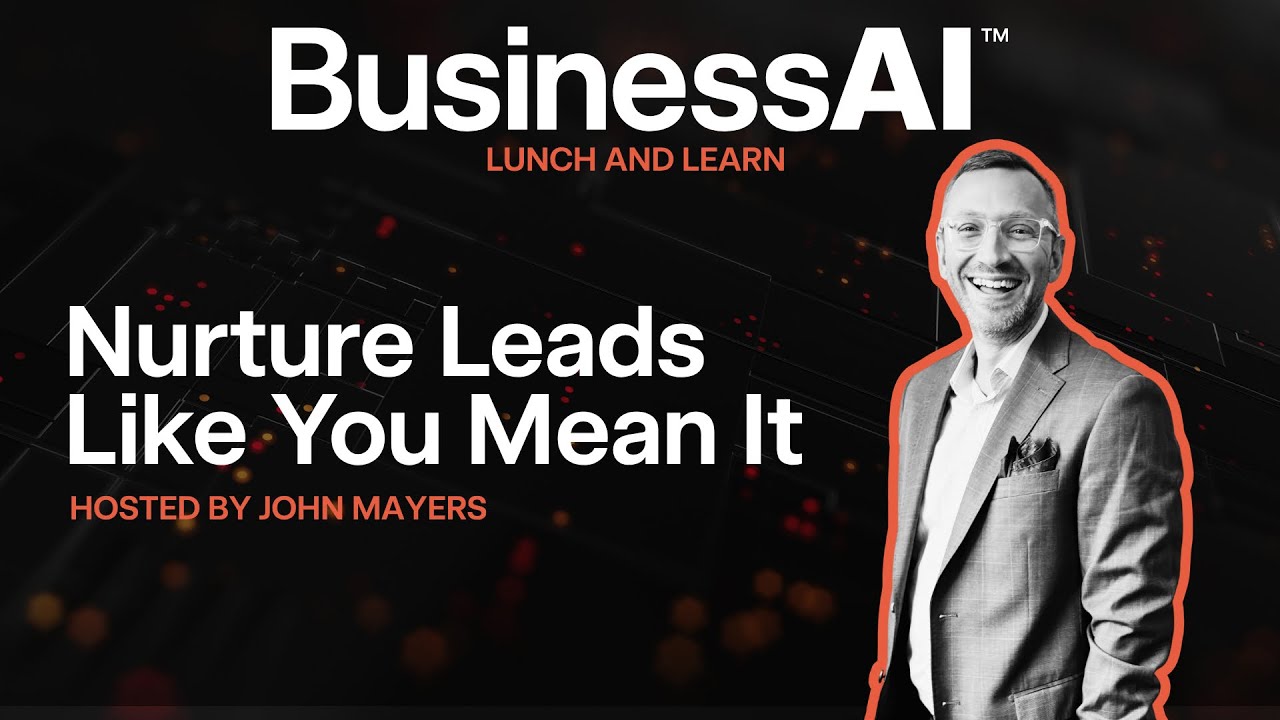
Lead nurture that actually follows up

The workflow, templates and examples from the lead nurture session.

Previous session

Co-work skills projects session thumbnail Watch replay
Resource hub

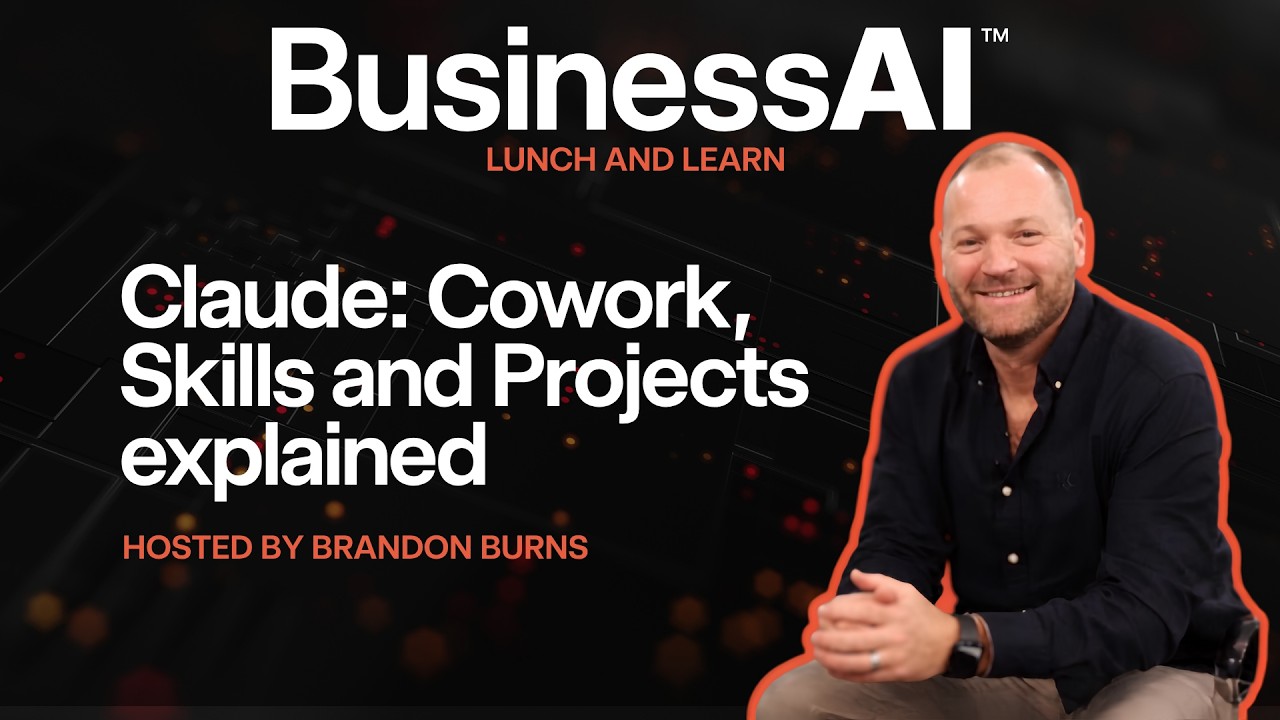
Co-work skills projects

Practical co-work skills projects, prompts and resources for your team.

Previous session

BusinessAILunch and learnSOPs mastered with AI
Watch replay
Lunch & Learn

SOPs mastered with AI

Write, tidy and keep your procedures up to date with AI.

Previous session

BusinessAILunch and learnPractical Claude AI
Watch replay
Training

Practical Claude AI

The everyday Claude features worth knowing, shown plainly.

Previous session

Vibe coding explained session thumbnail Watch replay
Lunch & Learn

Vibe coding explained

Do's, don'ts and the setup for Lovable and Claude Code.

Previous session

Clone yourself with Loom session thumbnail Watch replay
Lunch & Learn

Clone yourself with Loom

Record once and let Loom do the follow up.

Previous session

BusinessAI Claude training session thumbnail Watch replay
Training

BusinessAI Claude training

A focused walkthrough of Claude for co-work, skills and projects.

Previous session

Coming up

Wednesdays. Same room every week.

  1. Next session

    How to outsmart your competitors with AI

    Guy Franklin, Empire One

    Brandon Burns, Head of Experience, BusinessAI

  2. Getting found by AI, not just Google

    Mark Thurman, Head of Growth, Empire Amplify

    Brandon Burns, Head of Experience, BusinessAI

  3. Getting accountant ready with AI

    Rhiane Sherriff, General Manager, Mahi Boats · Accelerated Financial Solutions

    Brandon Burns, Head of Experience, BusinessAI

  4. How to build your sales system with AI

    Siam McArthur, AI Consultant, BusinessAI

    Brandon Burns, Head of Experience, BusinessAI

  5. How to create a marketing video purely with AI

    Marty Astbury, AI Strategy Consultant, BusinessAI

    Brandon Burns, Head of Experience, BusinessAI

  6. Open, topic to be confirmed

  7. Redesigning your website with AI

    Meaghan Gillespie, Rustico

No sessions 21 December to 3 January. Back Wednesday 6 January 2027.

Weekly calls

AI Deal Room weekly Q&A calls

Every week we run an open Q&A call where you can bring a tool, a workflow or a stuck project and get live help. No pitch, just answers.

AI Deal Room weekly Q&A call thumbnail Watch a recent call

What Happens On The Call

  • Live questions answered in plain language.
  • Real workflows and prompts you can take away.
  • Recordings posted so you can catch up later.
Watch the latest call
Meet the team

The people behind BusinessAI

Operators first. The same team you will see on the calls and in the deal room.

Aaron Sansoni, Founder at BusinessAI

Aaron Sansoni

Founder

Rhys Henderson, Chief Executive at BusinessAI

Rhys Henderson

Chief Executive

Charlotte Hall, Vice President, People & Performance at BusinessAI

Charlotte Hall

Vice President, People & Performance

Arsedian Ivan, Director of AI & Product at BusinessAI

Arsedian Ivan

Director of AI & Product

Elise Meng, Digital Marketing Manager at BusinessAI

Elise Meng

Digital Marketing Manager

John Mayers, Director of Consulting at BusinessAI

John Mayers

Director of Consulting

Fergus Lundy, Director of Sales at BusinessAI

Fergus Lundy

Director of Sales

Mariella Liezl Perez, AI Engineer at BusinessAI

Mariella Liezl Perez

AI Engineer

Brandon Burns, Head of Experience at BusinessAI

Brandon Burns

Head of Experience

Josh Telford, Senior AI Strategy Consultant at BusinessAI

Josh Telford

Senior AI Strategy Consultant

Marty Astbury, AI Strategy Consultant at BusinessAI

Marty Astbury

AI Strategy Consultant

Jacob Kearnes, AI Growth Partner at BusinessAI

Jacob Kearnes

AI Growth Partner

Brendan Coyne, AI Growth Partner at BusinessAI

Brendan Coyne

AI Growth Partner

Brayden Tayler, Technical Product Manager at BusinessAI

Brayden Tayler

Technical Product Manager